MinuteRead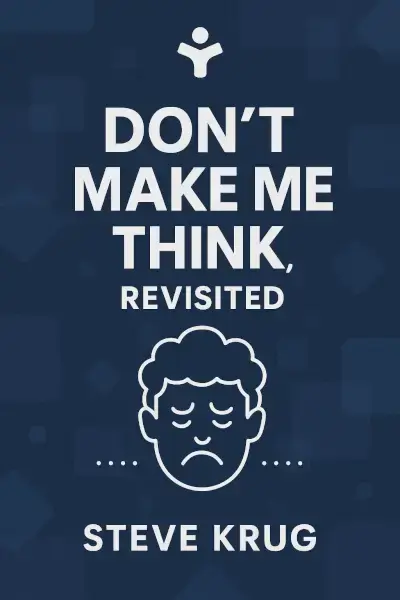
30 min

Book summary
by Steve Krug
Premium summary · Opens in the app · 30 min read
Imagine walking into a hardware store where nothing is labeled. The aisles have no signs. The tools are mixed randomly with the paint supplies. The cash register is hidden behind a stack of lumber. You need a specific type of screw, but you have no idea where to begin looking. How long would you stay in that store before walking out in frustration?
By Steve Krug
**Estimated Reading Time:** 45 minutes
**What You'll Learn:**
- Why the first law of usability is "Don't make me think" - How people actually use websites, and why it's not how you assume - The essential principles of intuitive navigation and page design - How to conduct simple, effective usability tests without a big budget - Why accessibility and mobile design are no longer optional
**Who This Book Is For:**
This book is for anyone who designs, builds, manages, or writes for websites. It's for developers who wonder why users abandon their shopping carts. It's for marketers who can't understand why their brilliant copy goes unread. It's for product managers who need to advocate for better user experience. And it's for anyone who has ever stared at a website and thought, "What am I supposed to do here?"
Imagine walking into a hardware store where nothing is labeled. The aisles have no signs. The tools are mixed randomly with the paint supplies. The cash register is hidden behind a stack of lumber. You need a specific type of screw, but you have no idea where to begin looking. How long would you stay in that store before walking out in frustration? Now imagine that store is a website. That's the experience millions of people have every day when they encounter poorly designed web pages. Steve Krug wrote *Don't Make Me Think* because he noticed something that should have been obvious but wasn't: the people who build websites spend months thinking about them, while the people who use them spend seconds trying to figure them out. This fundamental mismatch creates endless frustration, lost sales, and abandoned experiences. The problem isn't that designers and developers don't care. It's that they know too much. After weeks or months of working on a site, they can no longer see it the way a first-time visitor does. They've internalized the navigation structure. They know which buttons do what. They understand the clever naming conventions. They've forgotten what it feels like to arrive with no context, no orientation, and no patience. Krug's insight was radical in its simplicity. He argued that the primary goal of any web page should be to eliminate the need for conscious thought. Every time a user has to pause and ask "Is this the right button?" or "What does that label mean?" or "Where am I supposed to go next?", the experience degrades. Each moment of confusion adds cognitive friction. Each question mark creates a tiny moment of doubt. And those tiny moments add up. The book's title captures this philosophy in four words. "Don't make me think" isn't about dumbing down content or treating users as incapable.…
Continue reading in the MinuteRead app
Get the complete 30-minute summary of Don't Make Me Think
Get the complete summary in the app**Don't make me think.** Every design decision should reduce unnecessary cognitive load.
**Users scan, don't read.** Design for scanning with clear headings, short paragraphs, and visual hierarchy.
**Users satisfice.** They choose the first reasonable option, not the best one. Make the right option easy to find.
**Users muddle through.** They don't understand how things work. They just try things until something works.
**Cut half the words.** Then cut half of what's left. Ruthless editing improves clarity.
**Use conventions.** Familiar patterns reduce cognitive load. Innovation has costs.
"Don't Make Me Think" is a strong fit if you want practical ideas around design, business, programming, especially themes like **don't make me think.** every design decision should reduce unnecessary cognitive load; **users scan, don't read.** design for scanning with clear headings, short paragraphs, and visual hierarchy. The MinuteRead summary distills these concepts into a focused read, whether you're deciding whether to buy the book or applying its lessons at work.
Steve Krug is a renowned usability consultant and author best known for his book "Don't Make Me Think: A Common Sense Approach to Web Usability." With over 600,000 copies in print, the book has become a staple in the field of web design. Krug's expertise stems from over 20 years of consulting for various high-profile clients, including Apple and NPR. He also wrote "Rocket Surgery Made Easy," a handbook on usability testing. Krug's consulting firm, Advanced Common Sense, is based in Chestnut Hill…
View all summaries by Steve KrugContinue Reading
Access the complete 30-minute summary and thousands more nonfiction books in the MinuteRead app.

Continue reading the complete summary in the MinuteRead app.