MinuteRead
30 min
Book summary
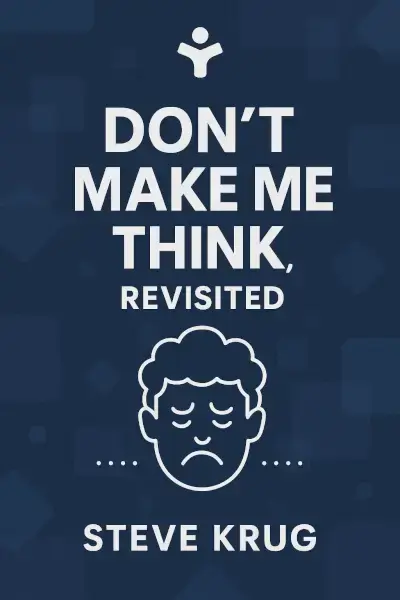
by Steve Krug
Premium summary · Opens in the app · 30 min read
Imagine walking into a grocery store where the aisles have no signs. The products are arranged alphabetically by manufacturer, not by category. The checkout is hidden behind the dairy section. The shopping carts have square wheels. You would leave immediately.
**Author:** Steve Krug **Estimated Reading Time:** 45 minutes
**What You'll Learn:**
- Why the first law of usability is "don't make me think" - How people actually use websites, and why it's not how you think - The principles of intuitive navigation and visual design - How to conduct simple usability tests that reveal major problems - Why accessibility is not just ethical but practical - How to build goodwill with users through considerate design
**Who This Book Is For:**
This book is for anyone who has ever been frustrated by a website. It is for designers who want to create interfaces that respect users' time and intelligence. It is for developers who need to understand why their carefully built features confuse people. It is for managers who wonder why their expensive website isn't converting visitors. And it is for anyone who has ever stared at a screen wondering, "What am I supposed to click?"
Imagine walking into a grocery store where the aisles have no signs. The products are arranged alphabetically by manufacturer, not by category. The checkout is hidden behind the dairy section. The shopping carts have square wheels. You would leave immediately. Yet this is precisely the experience many websites provide. Users arrive with a goal, scan the page in confusion, click something that seems promising, get lost, hit the back button, and try again. Sometimes they give up entirely. The cost of this confusion is enormous: lost sales, abandoned carts, frustrated customers, and support calls that should never have been necessary. Steve Krug wrote *Don't Make Me Think* to address a simple but profound problem: most websites are harder to use than they need to be. The book's title is both its thesis and its first law. When you look at a web page, it should be obvious what everything is and how to use it. If it isn't, the designer has failed. The book first appeared in 2000, when the web was young and usability was a niche concern. It became an instant classic because Krug said what needed to be said with clarity, humor, and uncommon common sense. The "Revisited" edition, published in 2014, updates the original for the mobile era while preserving its essential message: the principles of good usability haven't changed, even if the devices have. Krug's approach is deliberately practical. He doesn't offer grand theories or academic frameworks. He offers rules of thumb, hard-won insights from years of watching real people use real websites, and a healthy dose of humility. His central observation is that we are all, designers included, operating under a set of illusions about how people use the web. We think users read carefully. They don't. We think…
Continue reading in the MinuteRead app
Get the complete 30-minute summary of Don't Make Me Think, Revisited
Get the complete summary in the appDon't make users think. Every question mark adds cognitive load.
Users scan, don't read. Design for scanning.
Users satisfice. Make the obvious choice the right choice.
Users muddle through. Make the cost of wrong clicks low.
Use conventions. They exist because they work.
Make clickable things look clickable.
"Don't Make Me Think, Revisited" is a strong fit if you want practical ideas around design, business, programming, especially themes like don't make users think. every question mark adds cognitive load; users scan, don't read. design for scanning. The MinuteRead summary distills these concepts into a focused read, whether you're deciding whether to buy the book or applying its lessons at work.
Steve Krug is a renowned usability expert and author. His best-selling book, "Don't Make Me Think," has sold over 600,000 copies across three editions. Krug also wrote "Rocket Surgery Made Easy," a guide to DIY usability testing. With over 20 years of experience as a usability consultant, he has worked with major clients like Apple, Bloomberg.com, and NPR. Krug's consulting firm, Advanced Common Sense, is based in Chestnut Hill, MA. He now focuses on writing, teaching usability workshops, and en…
View all summaries by Steve KrugContinue Reading
Access the complete 30-minute summary and thousands more nonfiction books in the MinuteRead app.

Continue reading the complete summary in the MinuteRead app.